1
Add what you make.
Your dishes, photos and prices become your own order page. It’s your kitchen, with your food front and center.
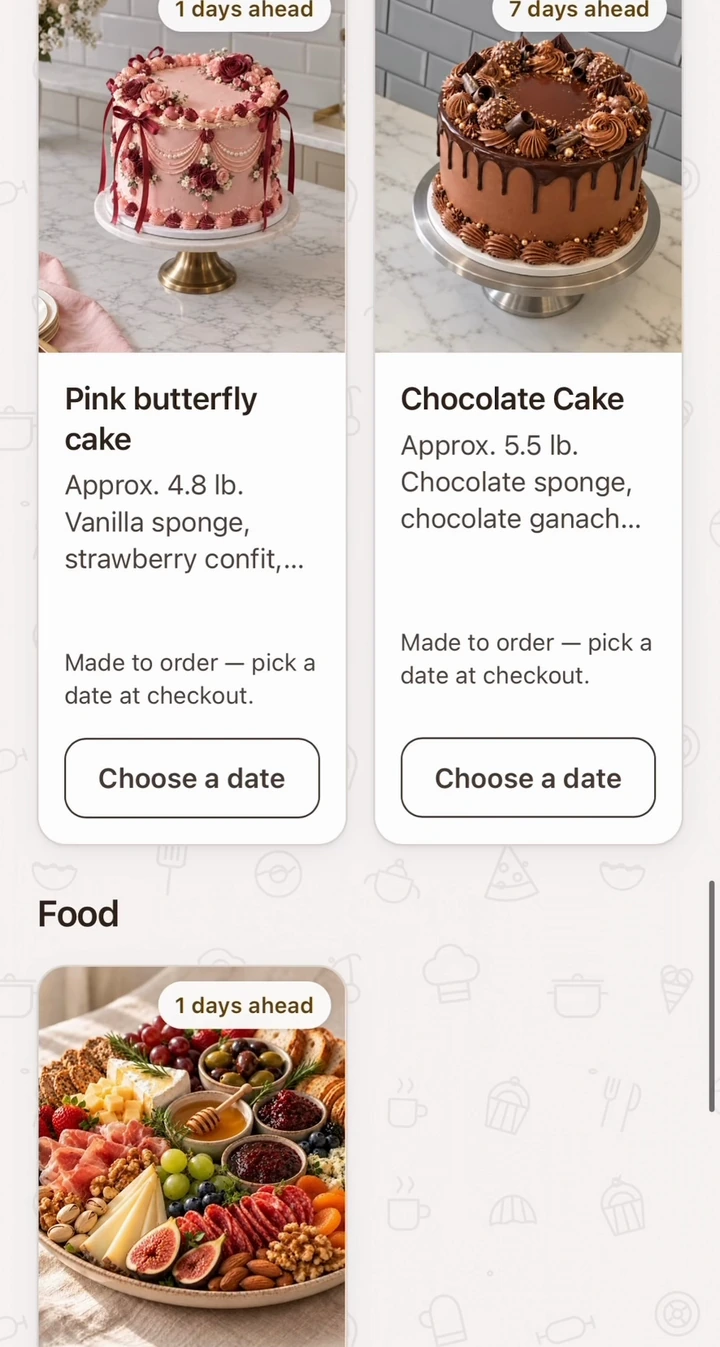
 Pink butterfly cake
 Chocolate cake
For home cooks who sell through DMs
Your own order page for home cooks
Share one link. Customers choose, order and pay in their browser. You accept the order in Worknest.
No monthly fee. You keep your full price.
Worknest Business · iPhone & Android · United States
One link for all your orders
Card, Apple Pay or Google Pay
Pickup & local delivery
Your address stays private
Less back-and-forth. More cooking.
A simple flow for you.
A clear way to order for your customers.
Your dishes, photos and prices become your own order page. It’s your kitchen, with your food front and center.
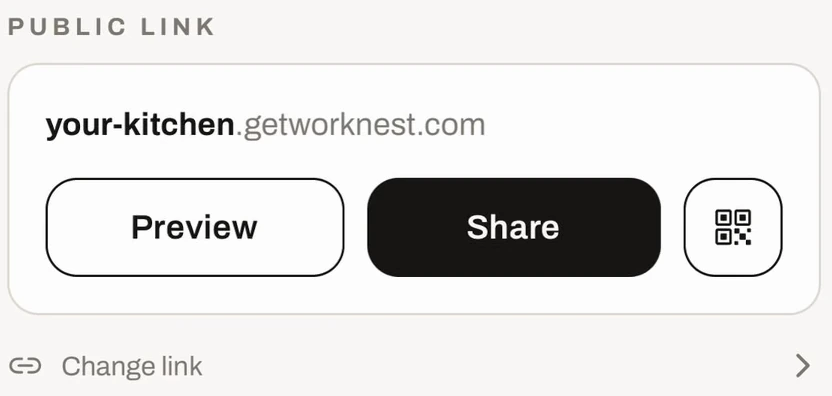
Pink butterfly cakeChocolate cakePut your page in your Instagram bio, send it in a message or share it on Facebook. Your customers order in their browser.
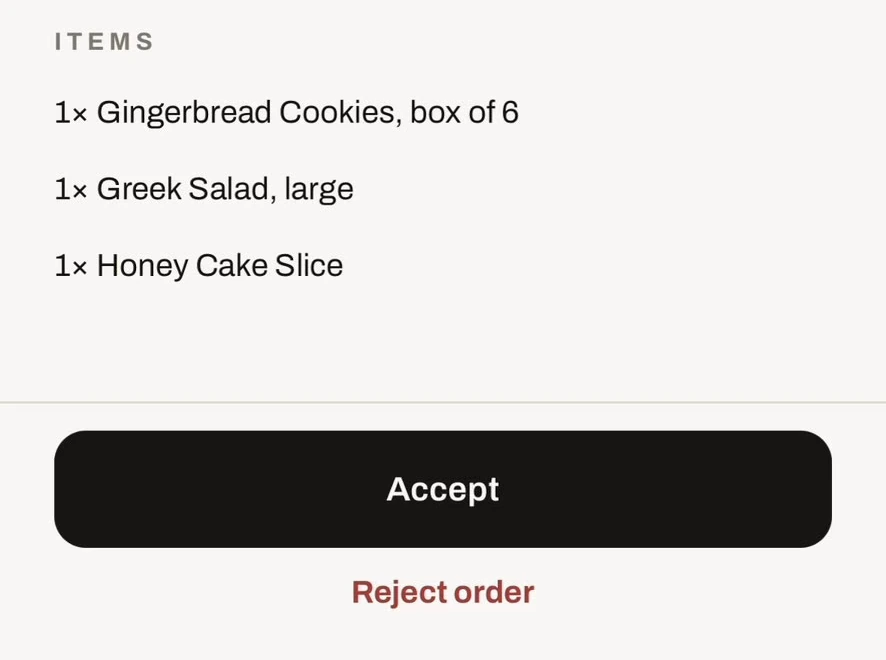
Customers pay at checkout. Review the order in your app, accept it and keep everyone updated as it gets ready.
Whatever’s cooking
Celebration cakes, weekday lunches, a grazing board for the weekend. If you make it for local customers, give them one place to order it.

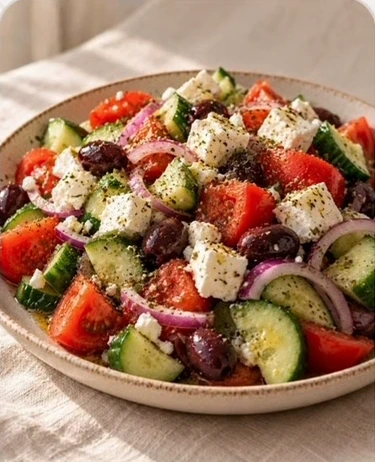
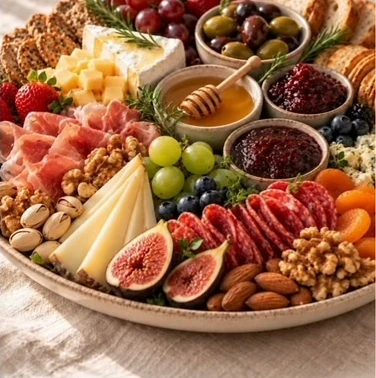
And your BBQ, family recipes, dessert boxes and more.
Built around your kitchen
Worknest gives your regulars a clear way to order, while you stay in control of what you sell and when you cook.
Set pickup windows, open days and order limits. Let customers choose from the times you offer.
Your exact address stays private — customers only see your area.
Offer pickup or local delivery, with order details in one place instead of scattered across messages.
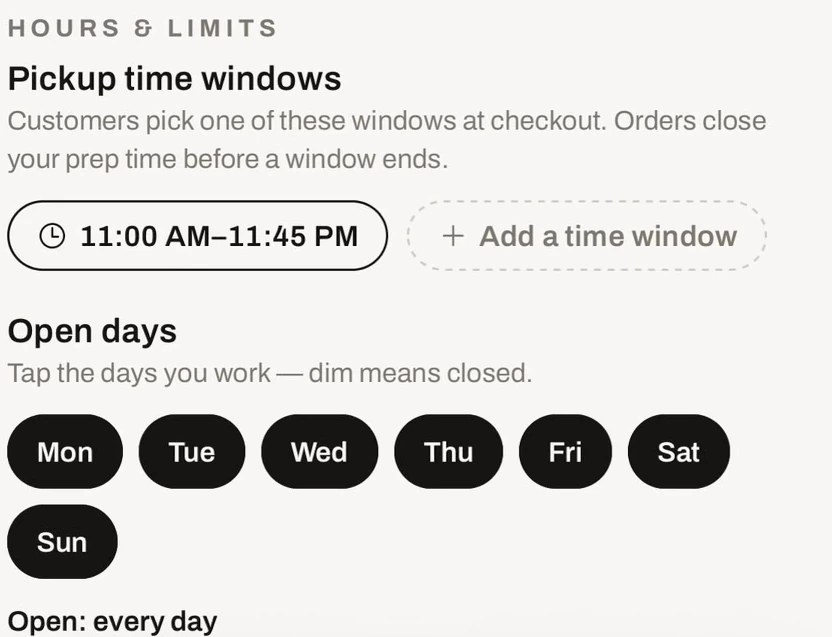
Good food. Simple business.
No monthly fee. No subscription to keep your page open. Payments are handled by Stripe, with payouts to your connected bank account.
You’re the seller — your business name is on your customer’s receipt. Orders start at $15, counted in your own prices.
A LITTLE LESS TO THINK ABOUT
A service fee is added at customer checkout. You keep the full price you set for your food. You set $10 — you get $10.
Before you get cooking
Need a hand with something else? You can reach us directly.
Talk to WorknestNo. Customers open your link in their browser, choose what they want and pay by card, Apple Pay or Google Pay. The Worknest Business app is for you to manage your kitchen.
No. Your Worknest order page is the link you share with customers. Add your dishes, photos and prices in the app, then share your page wherever you already sell.
You keep the full price you set for your food, and your delivery fees and tips are yours. A service fee is added to the customer’s total at checkout. Orders start at $15, counted in your own prices.
When a kitchen takes payment at pickup, the customer pays a small reservation fee by card to place the order: 10% of the food, at least $2 and at most $5, charged by Worknest. The customer pays the kitchen the full food price at pickup. The fee is refunded if the kitchen declines, cancels or doesn’t accept in time, if the customer cancels first, or if the order never reached them. It is kept if the order was accepted and not picked up.
Yes. Worknest supports pickup and local delivery. Set the options and times that work for your kitchen, and manage the order in your app.
Your first payout arrives 7–14 days after your first order (Stripe’s standard check). After that, about 2 days after each order.
Worknest Business is available in the United States on iPhone and Android. Your customers order through their browser.
If you already have a Stripe login, Stripe asks you to sign in first. That’s fine — it doesn’t connect your other businesses. After signing in, scroll down and choose “Create a new account” for your Worknest page. If the code screen keeps disappearing, choose “Text me a code” instead of the authenticator app, or use a different email in the form.
Stripe is the payment company that sends you your money; banks require this to open a payout account. Worknest never sees it. Usually only the last 4 digits.
No. Your page shows only your city. A customer sees the exact pickup address only after you accept their order.
Yes — tap “Not now”. We’ll ask again after your first dish. Without a number you get new orders by push and email; with it, by text too.
Until you publish, your link shows your page as a preview with placeholders. Add a dish, set your hours, connect payments and tap Publish — the same link goes live.
Tell us. Write from Settings → Contact us, or email founder@getworknest.com. We build for the cooks who use Worknest and we’ll do our best to add it for you.
Your food deserves its own page
Download Worknest Business, add what you make
and give your customers an easier way to order.


Available in the United States.